YASB Reborn
Yet Another Status Bar. Craft a personal Windows status bar with beautiful widgets, live data, and custom automations. YASB blends performance with deep customization.
Built-in Widgets
YASB includes a comprehensive library of ready-to-use modules. Simply declare the ones you need in your configuration file, customize their styles, and start tracking your system immediately.
Window Managers
Native integration for GlazeWM and Komorebi. Show workspaces, active window title, binding modes, and tiling directions right in your bar.
System Monitors
Track hardware performance in real-time. Full support for Libre Hardware Monitor sensors alongside native tracking.
Daily Utilities
Keep your workflow uninterrupted with built-in productivity widgets like weather metrics, to-do lists, and task timers.
Media & Audio
Control your music and see what's playing. Access system volume, microphone status, and Cava visualizer.
Integrations
Stay on top of updates and connections directly from the bar with widgets spanning Github to local network controls.
And 50+ more widgets
Systray, Custom Scripts, Launchpad, Notifications... or build your own.
Explore Widget LibraryPowerful Logic Simple YAML
Define your bars, screens, and widget positions with a clean, human-readable configuration format. No complex scripting required.
- Multi-monitor support
- Dynamic class naming for scoped styling
- Built-in animation toggle per bar
- Widget grouping and alignment controls
- Powerful CLI (Command Line Interface)
- Adaptive bar support, adaptive islands
2
3
4
5
6
7
8
9
10
11
12
13
14
2
3
4
5
6
7
8
9
10
11
12
13
14
Pixel Perfect CSS Driven
Unlock unlimited aesthetic potential. Use standard CSS to style your bar, from glass-morphism effects to complex typography.
- Full @import and Variable support
- Scoped widget-level styling classes
- Real-time hot-reloading on save
- Custom tooltip and context menu support
- Follow OS Theme in real-time
- Auto generated OS colors
Built for Performance
YASB blends modern aesthetics with deep system integration, providing a seamless experience without draining your resources.
Composable
Mix and match widgets to produce a dashboard that balances utility and aesthetics perfectly.
Native Integration
Built with Python and Win32 APIs for incredibly smooth performance and deep multi-monitor awareness.
Live Styling
Iterate quickly with CSS and configuration hot-reload. See your changes instantly without ever restarting.
Open Source
Transparent roadmap and community-driven development. Share themes and widgets with fellow enthusiasts.
Get started in minutes
Follow these three simple steps to set up your perfect status bar.
Install
Grab the latest x64 or ARM64 installer or keep things automated with Winget. Launch YASB and pin it to run on startup.
Configure
Edit config.yaml to toggle widgets, set update intervals, and bind actions. The docs cover every option.
Style
Open styles.css to dial in surfaces, typography, and everything else. Reload to see changes instantly.
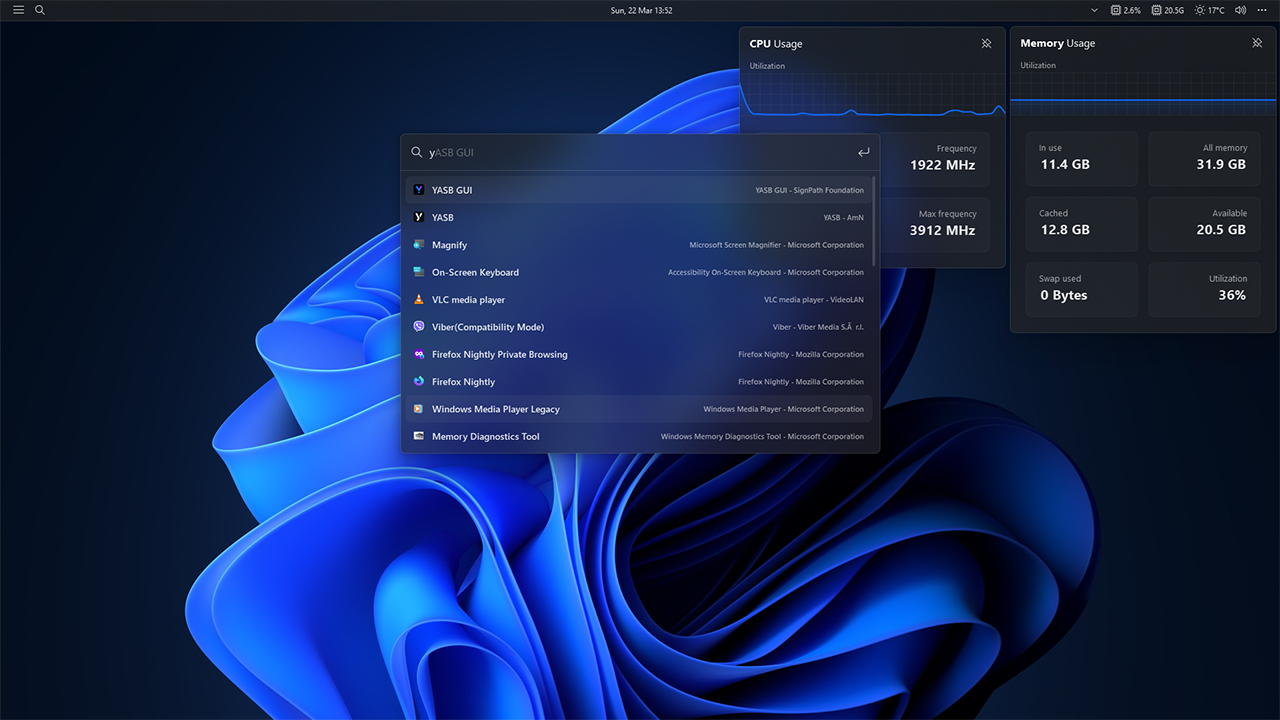
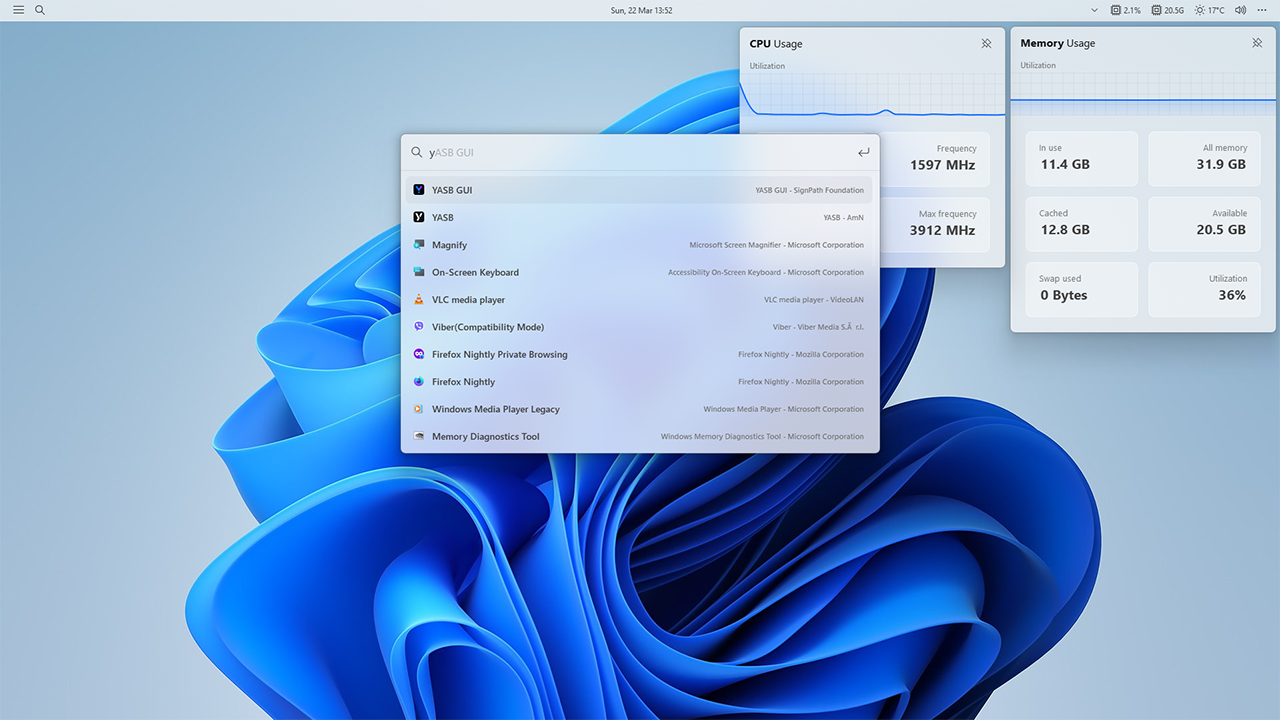
Everything you need to customize
Comprehensive tools, guides, and community resources to get the most out of your YASB setup.
Documentation
Step-by-step guides covering widget configuration, CSS styling, environment variables, and creating custom automations.
Browse DocsTheme Gallery
Download community-crafted themes to instantly match your bar to your desktop wallpaper and overall aesthetics.
Explore ThemesCommunity & Source
YASB is fully open-source. Report issues, suggest features, or contribute your own widgets to the main repository.
View RepositoryFrequently Asked Questions
Everything you need to know about setting up and customizing YASB.